

Di
rudy
Featured Replies
Navigazione Recente 0
- Nessun utente registrato visualizza questa pagina.
Discussioni
-
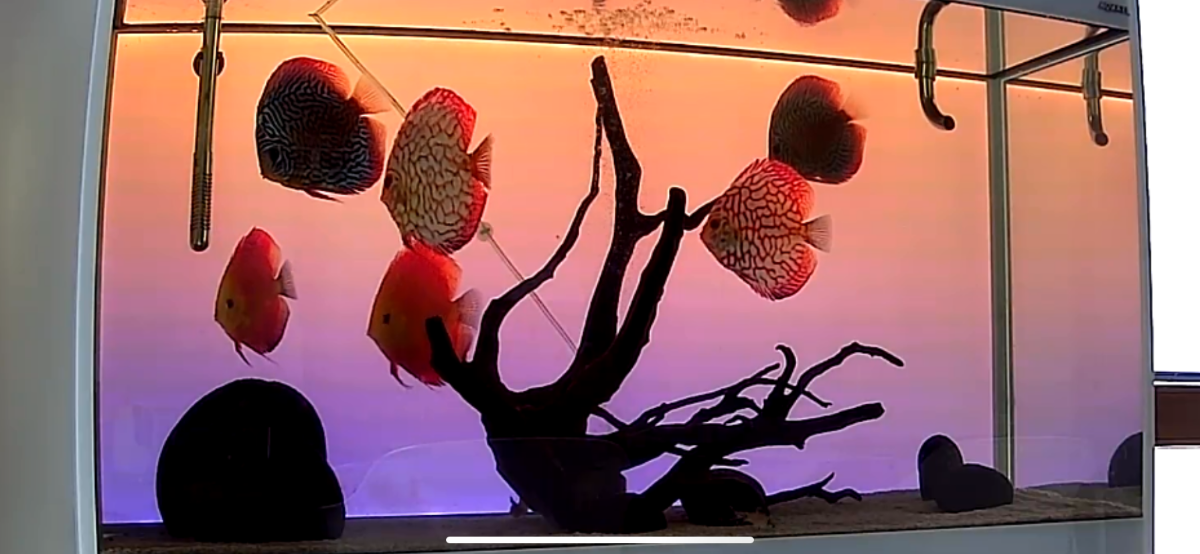
Valori ottimali ma due discussioni non mangiano e presentano feci bianche. ho fatto trattamento con flagelli cp senza beneficio. Ora ho preso anti fluke wormer avete esperienza nel trattamento con questa sostanza
-
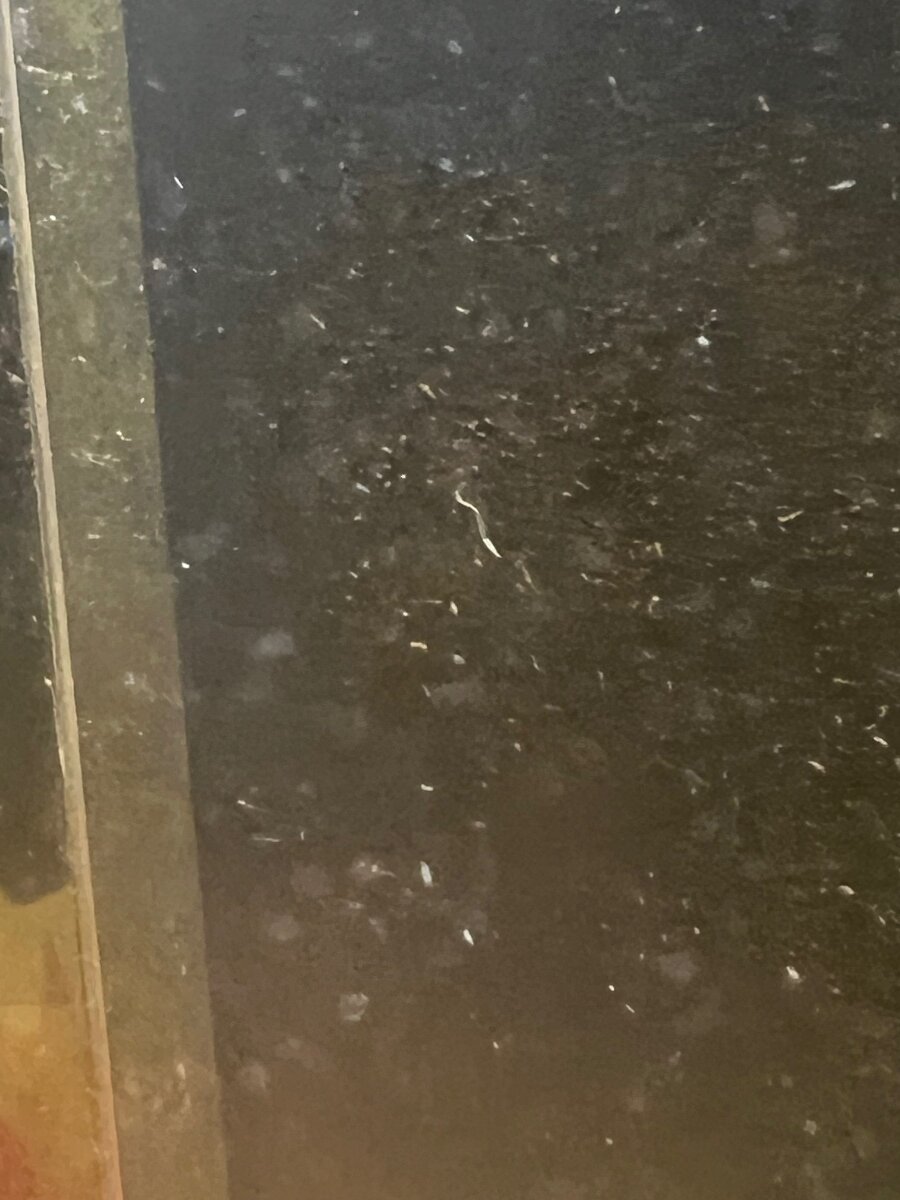
Da qualche tempo ho notato che la sabbia sta diventando scura ho sifonato un po’ il fondo e lavato la sabbia e acqua era nerissima. I valori dell’acqua sono buoni faccio cambi settimanali con ro. Poche piante e fondo. On fertilizzato.le foglie delle piante sono diventate nere. Quali sono i motivi e i rimedi grazie
-
Mi chiamo Giovanna e vivo a Udine, da un pò di anni mi sono appassionata al mondo degli acquari. Dopo le prime esperienze "basic" mi sono innamorata del mondo degli Oranda, più precisamente dei Shogun e testa di leone. E' stata una bella scuola per quanto riguarda ogni forma di malattia......attualmente ne possiedo otto, in salute, di circa 14 cm in un acquario dedicato unicamente a loro. Da settembre dell'anno scorso ho deciso di lanciarmi in una seconda sfida, Discus. Attua
-
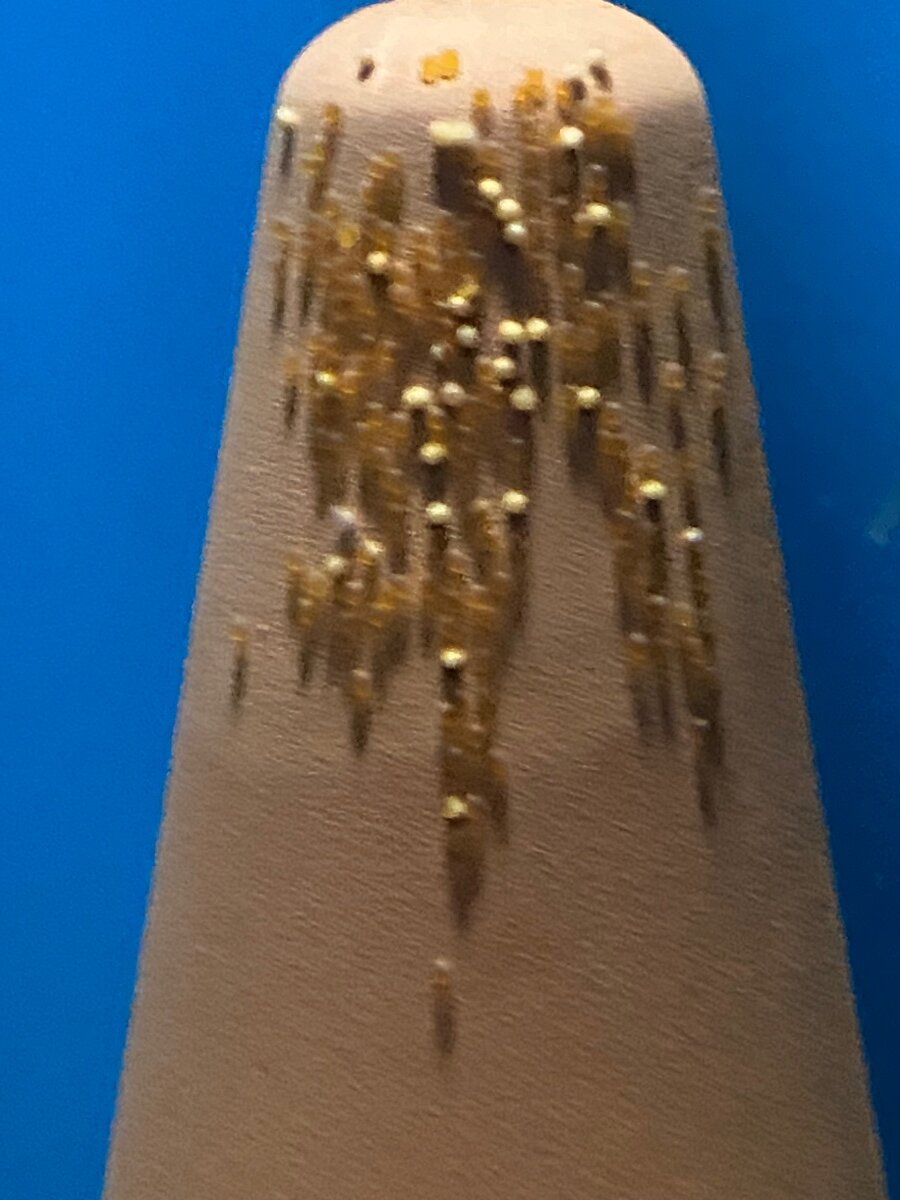
salve vorrei un parere su queste uova deposte ieri in mattinata . secondo me non sono fecondate è possibile? maschio e femmina certi e da tempo che depongono ma non hanno mai portato a termine sempre uova ammuffite . valori 50/60ms ph 6/6.5 non ricordo precisamente



Per favore accedi per lasciare un commento
Sarai in grado di lasciare un commento dopo l'accesso
Accedi Adesso