Ciao a tutti, sono Fabio. Ma c'è qualcuno in questo forum? Ho scritto da tempo un post nei "consigli" ed un messaggio privato ad un moderatore ma nessuno risponde... mah, chissà... speravo in un consiglio...
Ciao, volevo chiedervi una info importante per il mio acquario di discus. Ho dovuto togliere tutti i sassi e le piante per una infestazione di lumachine (migliaia), premetto che ho 3 discus, 8 coridoras, e una ventina di cardinali, e tre pulitori in una vasca con 200 litri di acqua circa. Ho già tolto migliaia di lumachine e non esagero. Ora vorrei togliere tutto il fondo che ho, scuro e molto bello, ma ancora pieno di lumache, che fatico a togliere senza rimuovere il fondo. Vorrei quindi toglie
Valori ottimali ma due discussioni non mangiano e presentano feci bianche. ho fatto trattamento con flagelli cp senza beneficio. Ora ho preso anti fluke wormer avete esperienza nel trattamento con questa sostanza
Da qualche tempo ho notato che la sabbia sta diventando scura ho sifonato un po’ il fondo e lavato la sabbia e acqua era nerissima. I valori dell’acqua sono buoni faccio cambi settimanali con ro. Poche piante e fondo. On fertilizzato.le foglie delle piante sono diventate nere. Quali sono i motivi e i rimedi
grazie
Mi chiamo Giovanna e vivo a Udine, da un pò di anni mi sono appassionata al mondo degli acquari.
Dopo le prime esperienze "basic" mi sono innamorata del mondo degli Oranda, più precisamente dei Shogun e testa di leone.
E' stata una bella scuola per quanto riguarda ogni forma di malattia......attualmente ne possiedo otto, in salute, di circa 14 cm in un acquario dedicato unicamente a loro.
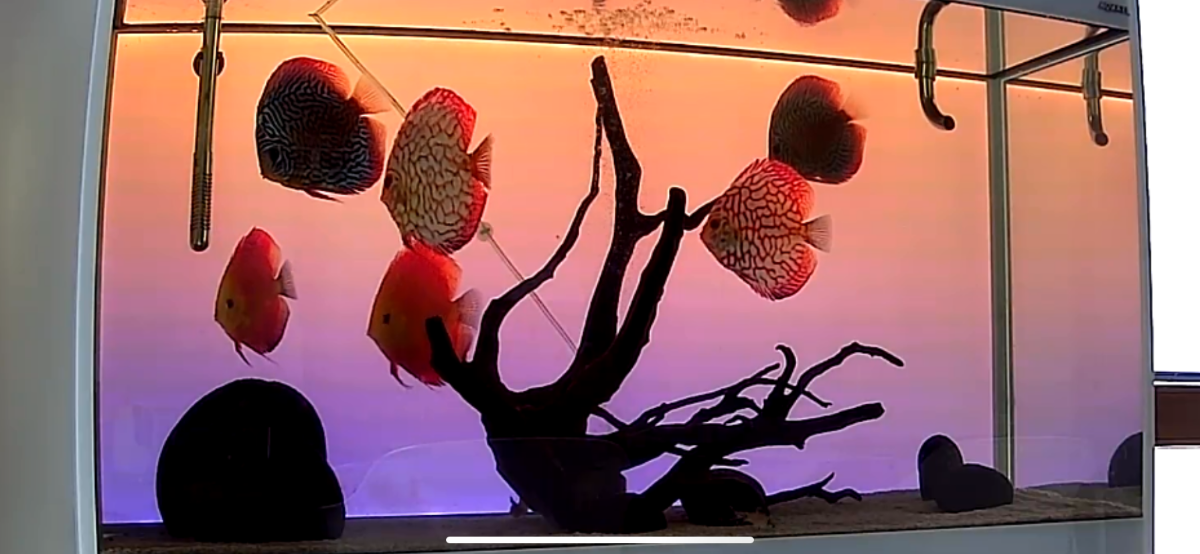
Da settembre dell'anno scorso ho deciso di lanciarmi in una seconda sfida, Discus.
Attua




Per favore accedi per lasciare un commento
Sarai in grado di lasciare un commento dopo l'accesso
Accedi Adesso